
Campaign toolkit guide and overview
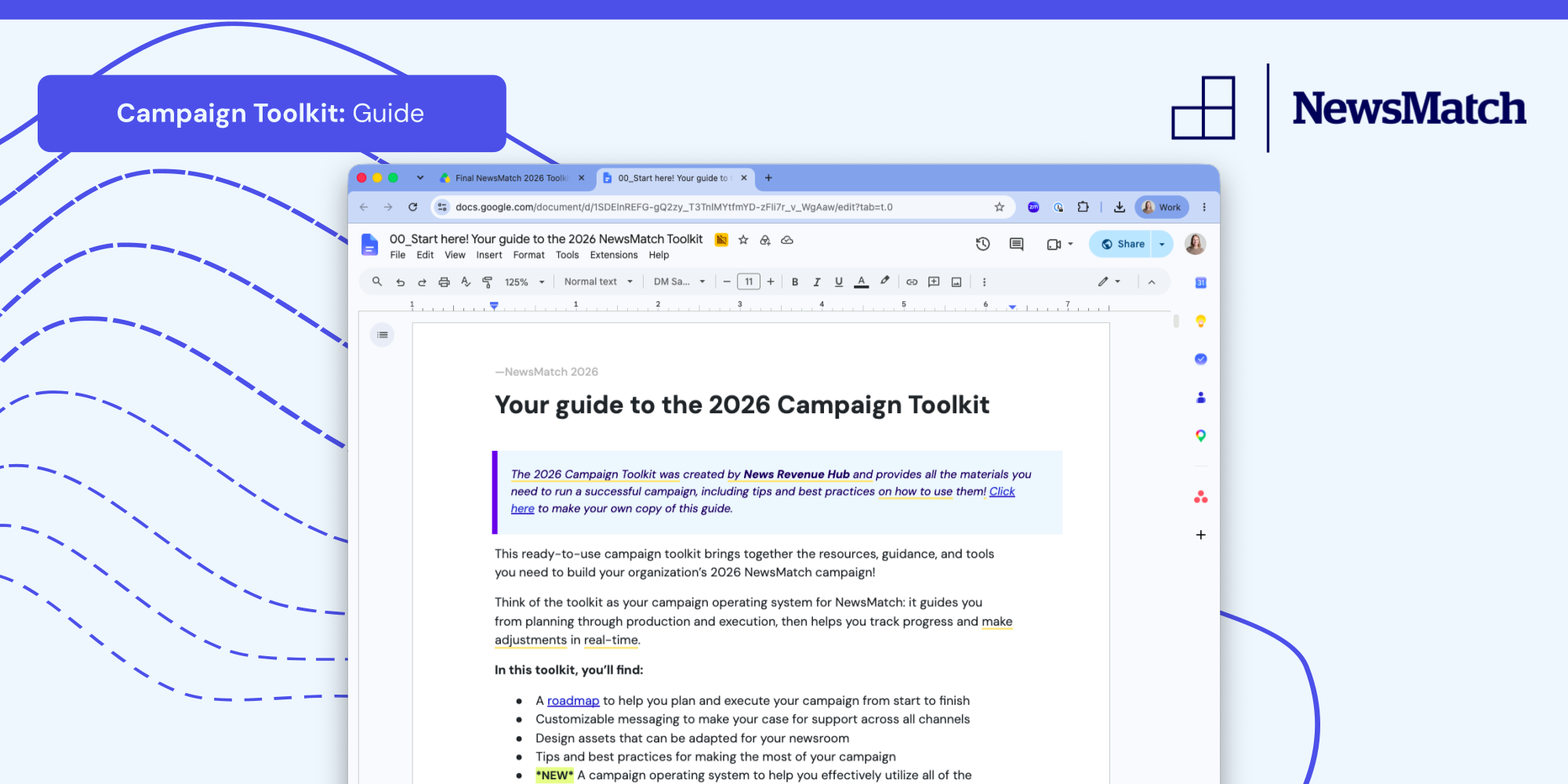
The Campaign Toolkit is your library for running your NewsMatch campaign. It contains a full set of emails, banner ads, social assets, and more, all unified by a shared theme and visual style guide.
Make the most of this year's toolkit:
- Review the Toolkit Guide & Overview. It walks you through every component, how to customize each piece, and best practices for running a sophisticated year-end campaign.
- Make it yours. Nothing in the toolkit is meant to be used as-is; rewrite the language to match your mission and voice, swap in your own impact examples, and adjust the visuals to fit your brand.
- Adapt the roadmap to your calendar. Shift the suggested campaign timeline to work around your editorial schedule, staffing, and any dates you need to avoid.
- Apply the fundamentals as you customize. Keep calls to action bold, ask frequently, and aim high.
💡TIP! If you only bookmark one thing for the campaign, make it this guide! It provides all the links, resources, and tips you need in one place.
Campaign Toolkit Resources
- Your guide to the 2026 NewsMatch Toolkit
- Roadmap and timeline (what to do when)
- Design: Canva Guide + Templates
- Design: Illustrator files
- Design: NewsMatch logos + fonts
- Peer to Peer Fundraising: Staff Campaigning Guide
- Email appeals - English
- Email appeals - Spanish
- Social media copy and schedule - English
- Social media copy and schedule - Spanish
- Direct Mail + On-Air Spot Copy - English
- Direct Mail Copy + On-Air Spot Copy - Spanish
- All campaign toolkit assets